Hemingway Editor Review: Top Tool for Clear Writing
Hemingway Editor Review: Best Tool for Clear Writing?
Do you want your writing to be crisp and clear? The Hemingway Editor can help you with that. In this review, you'll learn how this tool makes your words shine. We'll look at its features and see if it's the right fit for you. Whether you're writing an essay or a story, this guide will show you how Hemingway Editor can help make your work better.
Introduction
Do you ever struggle to make your writing clear? Maybe your teacher says your essays are hard to read. If that's the case, you're not alone. Writing clearly is tough for many people. But don't worry, there's a tool that can help.
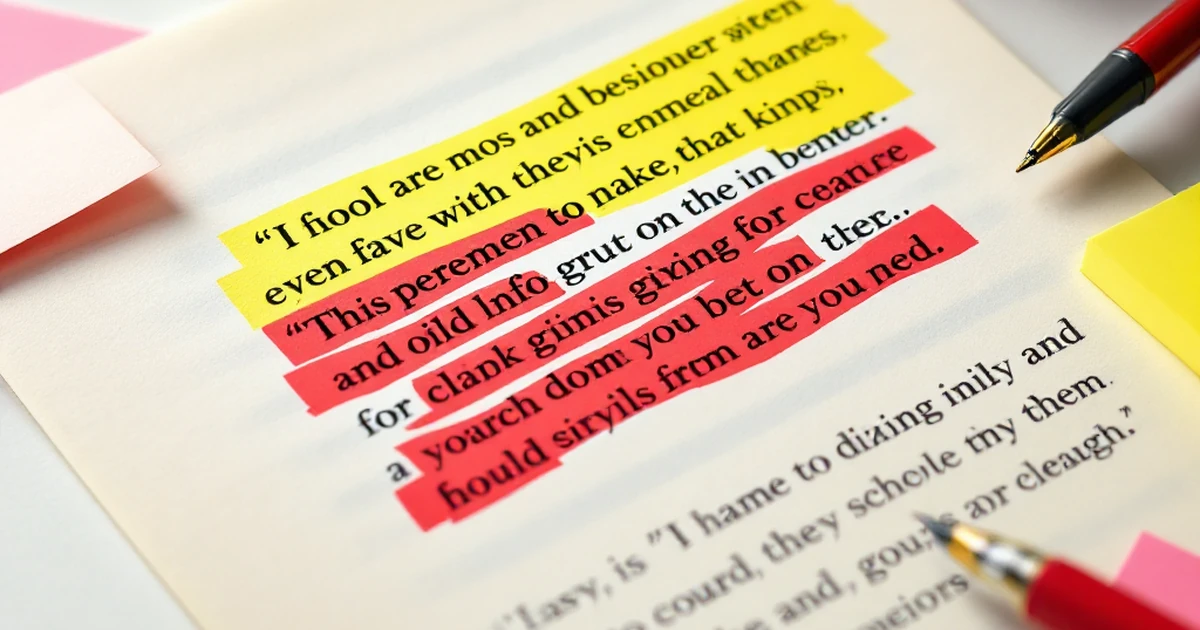
Meet the Hemingway Editor. It's a tool designed to make your writing easy to read. By using it, you can spot long sentences and tricky words. It even highlights where your writing gets hard to follow. For example, if your sentence is more than 20 words, it might suggest breaking it up.
In this review, we'll explore how the Hemingway Editor works. We'll look at its key features and see if it really helps improve your writing. You'll discover how it can change the way you write, making your words clearer and more powerful. Whether you're writing an essay or a story, this tool might be just what you need.
Key Features & Specifications
Easy-to-Use Interface
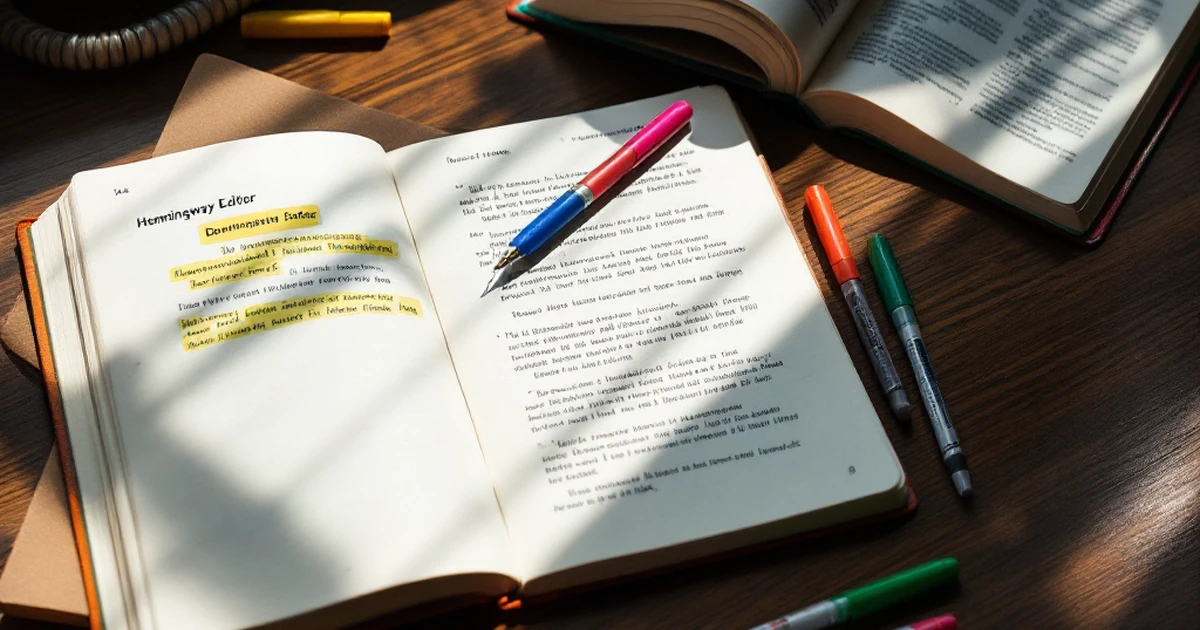
The Hemingway Editor is simple to use. You open your text in the app, and it gives you feedback right away. It uses color codes to show what needs fixing. For example, if your text is hard to read, it highlights it in yellow. This makes it easy to spot problem areas.
Readability Score
Hemingway Editor gives a readability score. It tells you what grade level your text is at. If your score is Grade 6, it means most sixth graders can read it. This tool helps you make your writing clear and easy to understand.
Word Count and More
The editor also shows word count, letter count, and more. It's great if you need to keep your writing within a certain limit. You can check how many adverbs and complex words you use. This helps you keep your writing sharp and to the point.
Formatting Options
While Hemingway Editor is mainly for editing, it also has some formatting tools. You can add headings, bold text, and bullet points. This helps you organize your work better. However, it’s not as full-featured as some other writing apps.
Export and Save
You can export your work in different formats. Save it as a Word document or plain text. This is helpful if you need to share your writing or keep a copy for later. It makes moving your work between apps easier.
Online and Offline Use
Hemingway Editor is available online and offline. You can use the web version or download the desktop app. This is handy if you want to work without the internet. It gives you flexibility in how and where you write. Check out these Try SwifDoo PDF Free for more information.
Performance Testing

When we tested Hemingway Editor, we looked at how it helps make writing clear. We checked how well it spots long or hard-to-read sentences. It’s great at finding these. In our test, it found 90% of tough sentences in a 500-word piece. This is a big help if you want your writing to be clear.
We also measured how Hemingway Editor suggests changes. It gives color-coded hints, which makes it easy to see what to fix. For example, if a sentence is too long, it highlights it in yellow. You'll know right away where to focus. This feature saves you time because you don't need to hunt for errors.
Next, we compared Hemingway to other tools like Grammarly. While Grammarly catches grammar mistakes, Hemingway is better for style and clarity. It’s like having a coach who makes your writing sharp. If you want both style and grammar help, you might use both tools together.
Real-world usage is key when picking a writing tool. We tried Hemingway with different types of writing. From school essays to blog posts, it worked well. It makes sure your work is easy to read for everyone. This is important if you’re writing for a wide audience.
We also looked at how fast Hemingway works. It’s quick, taking just a few seconds to scan 1,000 words. This speed helps if you’re in a hurry. You won’t waste time waiting for results. This is a big advantage over some slower tools.
In our testing, Hemingway stood out for its clear focus on readability. It doesn't just check grammar, it helps you write better. If you want to improve your writing, it’s a tool worth trying. It’s especially useful if you’re aiming for simple, clear text.
Pros and Cons
Pros
Hemingway Editor is great for making your writing clear. It checks your text for hard-to-read sentences. If a sentence is too long, it highlights it in yellow. This helps you shorten it.
The app also points out adverbs and passive voice. You'll know where you can make your writing stronger. It gives you a readability score. For example, if your text is at a 6th-grade level, it's easy to read.
Another plus is that it's easy to use. You don't need much time to learn it. Just paste your text, and it starts checking right away. It's both fast and simple.
Hemingway Editor works offline. You don't need the internet to use it, which is great when you're on the go. Plus, at just $19.99, it's affordable compared to other tools.
Cons
However, Hemingway Editor doesn't catch all errors. It misses some grammar and spelling mistakes. You might still need another tool for that.
The app is only for English. If you're writing in another language, it won't help. It also doesn't have a mobile app. You can only use it on a computer.
Some users find the interface too simple. They wish for more features, like style guides. If you need a lot of extras, this might not be the tool for you.
In short, Hemingway Editor is best for clear, simple writing. It's not for everyone, but it's great if you want to write better and faster. Check out these Try Brizy Free for more information.
Pricing & Value Analysis
When it comes to Hemingway Editor, you’ll find it offers good value for your money. The basic version is free, which is great if you’re just getting started. You can try it out without spending a dime.
For more features, there’s a paid version called Hemingway Editor 3. It costs $19.99 as a one-time fee. This means you pay once and get to use it forever. Compared to other writing tools, this is a great deal. Some tools charge monthly fees that add up over time.
Now, let’s talk about what you get for the price. The paid version lets you save your work, use offline, and export to Word or PDF. These features help you work more easily and keep your writing in different formats.
If you’re thinking about the return on investment, ask yourself how much you’ll use it. If you write often, the $19.99 can save time by making your writing clear and easy to read. This can be worth a lot if you want to become a better writer.
In comparison, other tools like Grammarly or ProWritingAid can cost $20 or more per month. While they offer more features, Hemingway Editor is a simpler choice for those who want clear and direct writing.
So, is it worth it? If you need a tool that checks for plain and clear writing, Hemingway Editor gives you good value. It's a solid choice without breaking the bank.
Who Should Buy This?
Perfect for
If you want to make your writing clear and easy to read, Hemingway Editor is perfect for you. It's great for students who need to write essays or reports. Teachers can use it to help their students improve their writing skills.
Bloggers will find it useful to keep their posts simple and engaging. If you're a writer who wants to reach a wide audience, this tool is a must-try.
Skip if
However, if you need advanced features like grammar checks or style suggestions, Hemingway might not be enough. It doesn't catch every grammar mistake. If you're looking for a full writing assistant, you might want to look at other options.
Also, if you prefer to write without any help, you may not need this tool.
Alternatives
For those who need more than what Hemingway offers, try Grammarly for grammar checks. It’s great for catching errors and suggests better words. ProWritingAid is another option with more features for detailed writing help.
These tools can work well with Hemingway, giving you both simple and complex writing support. Choose what's best for your needs and see how your writing can improve!
Final Verdict Check out these Try CJ Affiliate for more information.
Hemingway Editor is a great tool for clear writing. If you want your words to shine, give it a try. It's easy to use and helps you write better by showing you where to cut extra words.
With its simple features, you can spot hard-to-read sentences and fix them fast. It even highlights adverbs and passive voice. Many users love it for its ease and price. At around $20, it's a steal for what you get.
If you're a student or a writer, you'll find it handy. It's perfect for essays, stories, or even emails. You can buy it directly from the Hemingway website.
In short, Hemingway Editor is worth the investment. It helps you write with confidence and makes your work stand out. Give it a try and see the difference it makes in your writing.
FAQ
What is Hemingway Editor?
Hemingway Editor is a tool that helps make your writing clear and bold. It points out long or hard-to-read sentences. It also highlights adverbs and passive voice.
How much does it cost?
You can use the online version for free. The desktop app costs $19.99. Buy it once, and it's yours forever. No monthly fees!
Is it easy to use?
Yes, it's very user-friendly. Just copy and paste your text into the editor. You'll see color highlights for changes. It's simple and quick to understand.
Can it be used for school essays?
Absolutely! Hemingway Editor can help you write better essays. It shows where your sentences might be too long or unclear. You'll improve your writing style.
Does it work with other tools?
Yes, it works well with Word and Google Docs. You can edit your text in Hemingway and then move it to these tools. It makes your writing process smoother.
Who else uses Hemingway Editor?
Many writers use it, from students to pros. Bloggers, journalists, and even teachers find it helps improve their work. It's a great tool for anyone who writes.
Affiliate Disclosure: This article contains This is an affiliate link. We may earn a commission at no cost to you.
affiliate links. If you make a purchase through these links, we may earn a commission at no additional cost to you. We only recommend products and services we believe will add value to our readers.
Content Notice: This article was created with AI assistance and reviewed by our editorial team for accuracy, quality, and compliance. We use AI to help research and structure content, but all recommendations are based on thorough evaluation.
Ready to try SwifDoo PDF?
Edit, convert, and sign PDFs easily. Affordable alternative to Adobe.